
Hamr
A standalone search bar / launcher built with Rust and GTK4.
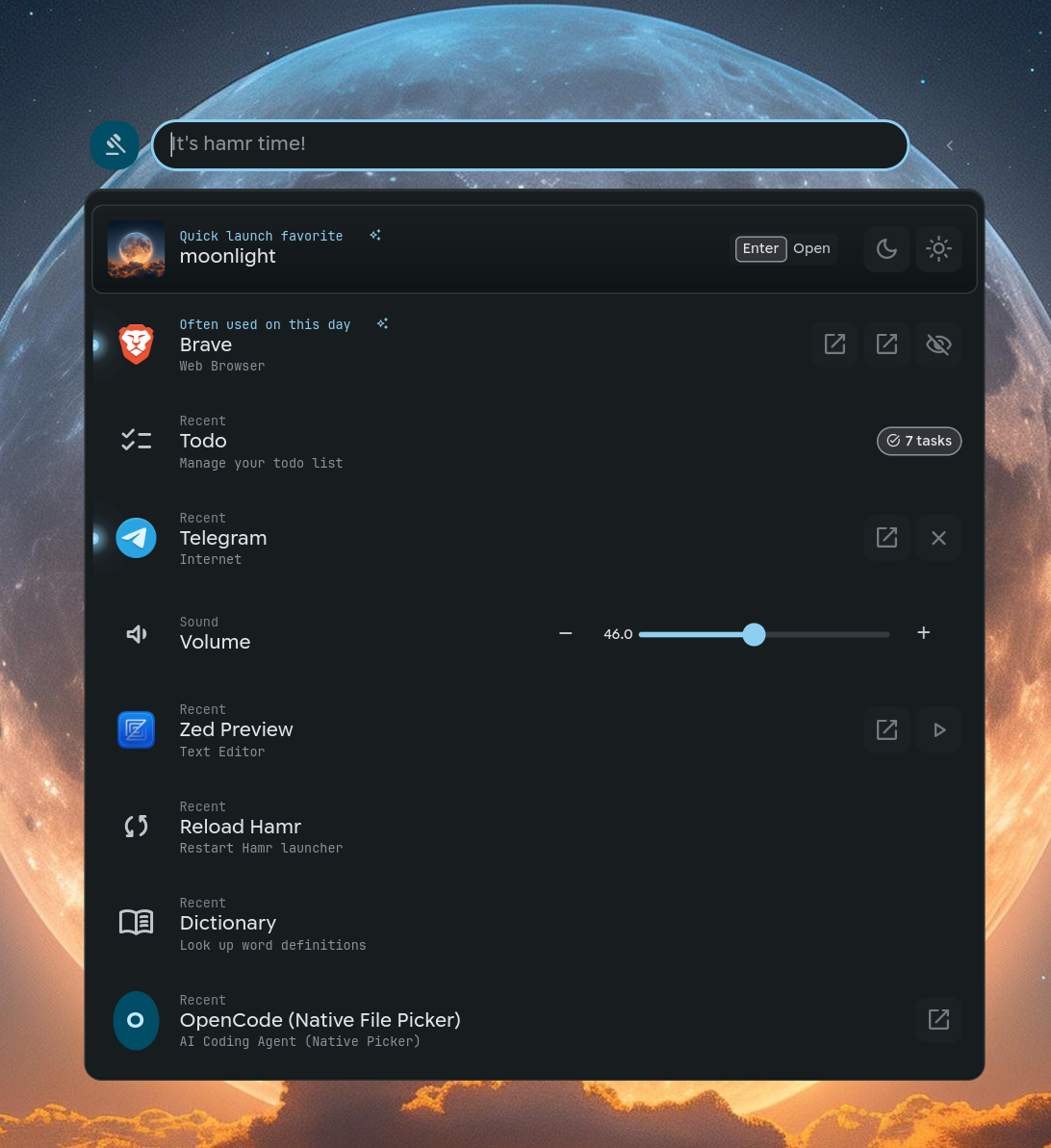
Migration Notice: This documentation covers the Rust/GTK4 rewrite of Hamr. For the legacy QML/Quickshell version, see the legacy-qml branch.
Features
- Fast fuzzy search across apps, files, and plugins
- Plugin system with JSON-over-stdio protocol
- Frecency-based ranking (frequently used items rank higher)
- GTK4 native UI with layer shell support
- Support for Hyprland and Niri compositors
- Material Design 3 theming with dynamic color support
Quick Start
Installation
Install from AUR:
Run (two ways):
# Option 1: Run directly (no systemd)
hamr

# Option 2 (recommended, opt-in): systemd user services
hamr install
systemctl --user start hamr-gtk
Or use the quick install script:
curl -fsSL https://hamr.run/install.sh | bash

# Or opt-in to systemd setup during install
curl -fsSL https://hamr.run/install.sh | bash -s -- --systemd
Toggle the launcher with hamr toggle (bind this to a key in your compositor).
Basic Usage
| Action | Description |
|---|---|
| Start typing | Search apps and indexed items |
/plugin |
Open a specific plugin |
Tab |
View actions for selected item |
Enter |
Execute selected item/action |
Escape |
Go back / close |
Documentation
-
Getting Started
Installation, configuration, and theming
-
Plugins
Build custom plugins to extend Hamr
CLI Commands
hamr toggle          # Toggle launcher visibility
hamr plugin <name>   # Open specific plugin
hamr status          # Check if daemon is running
hamr test <plugin>   # Test a plugin